Part 1 · iPhone & iPad
pxMarkup
Screenshot annotation for iPhone & iPad
formerly pxCut. same app, new name
Blur and redact sensitive info, add markup and annotations, then share with confidence. The fastest screenshot editor for iOS.
Detail views
See it in action
Blur, spotlight, crop and mark up any screenshot, right on your iPhone or iPad.
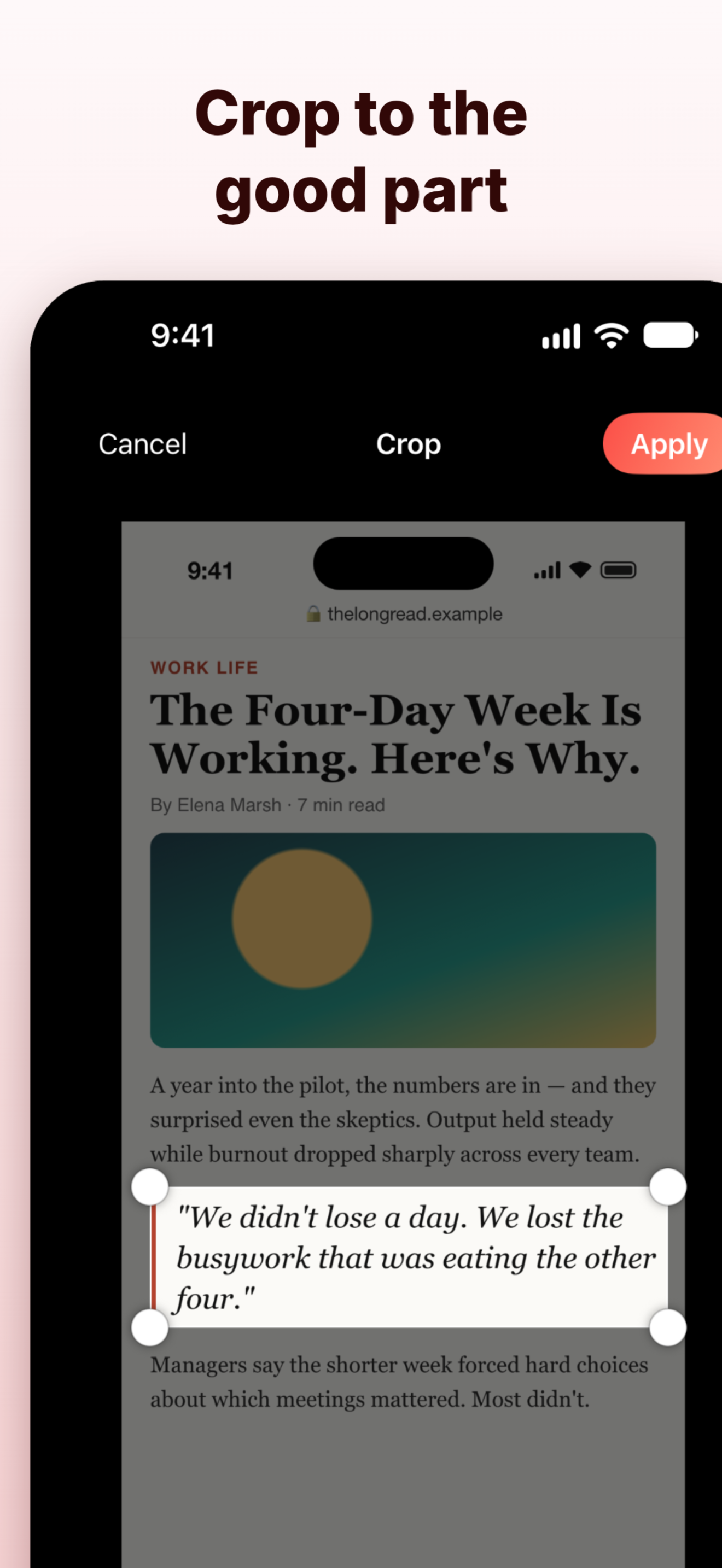
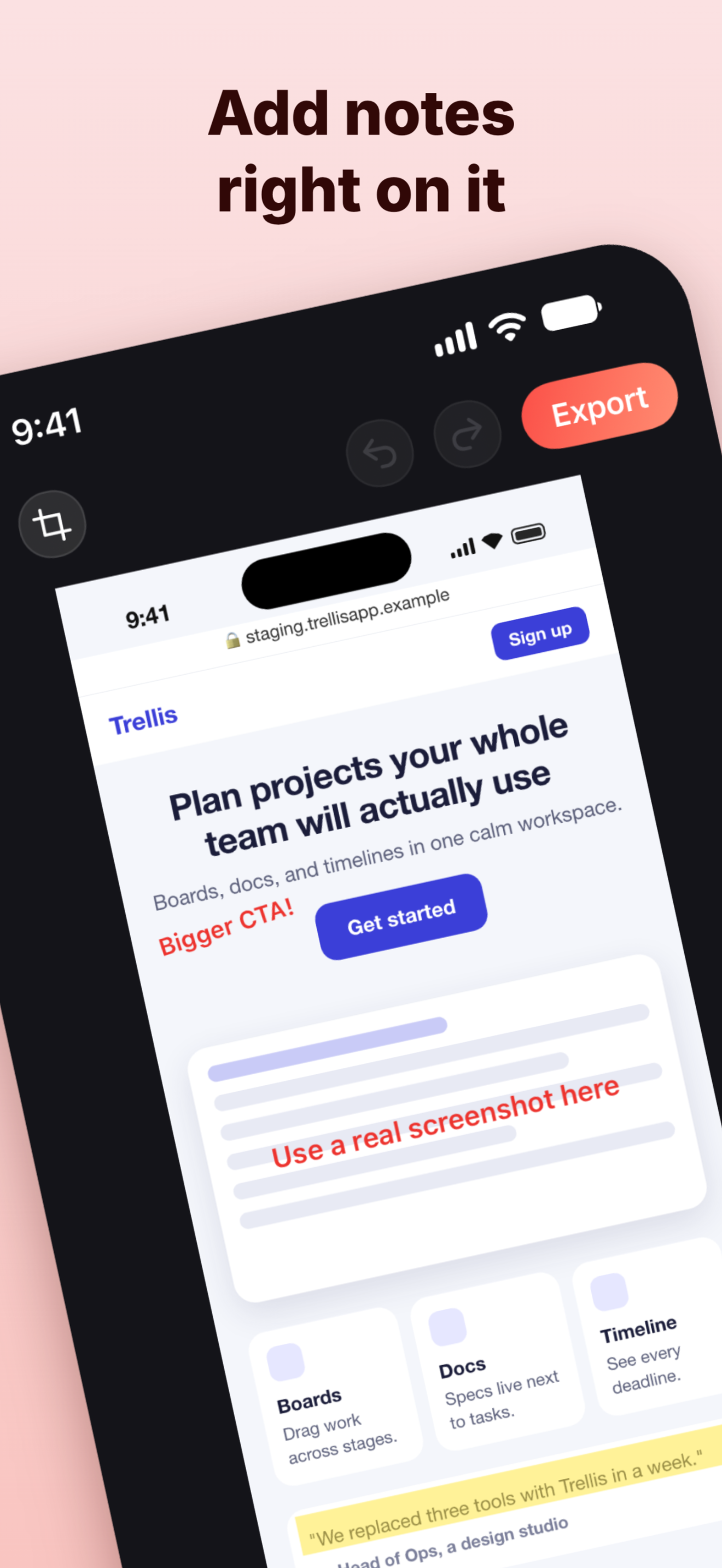
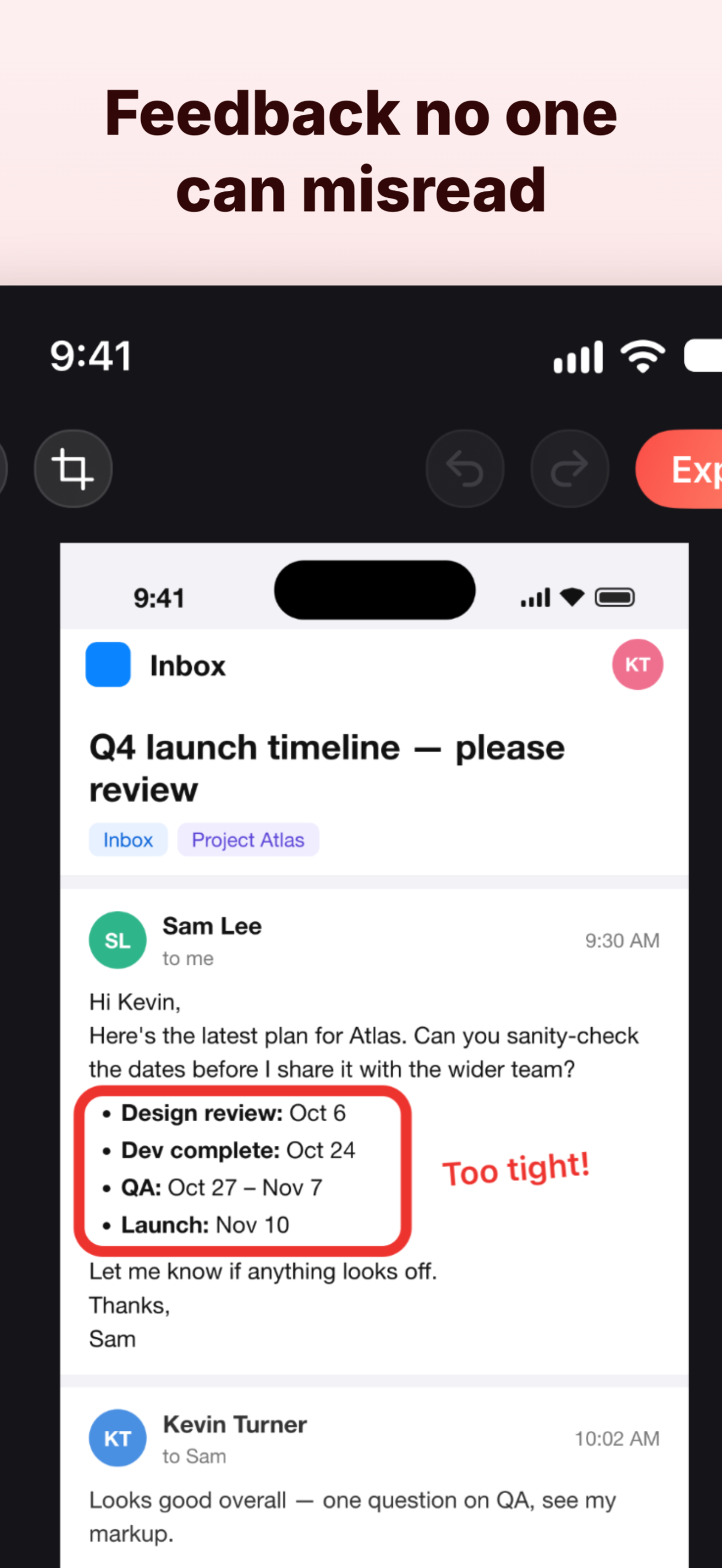
The best way to markup screenshots
Professional screenshot annotation tools designed for speed. Blur, redact, highlight, and share in seconds.
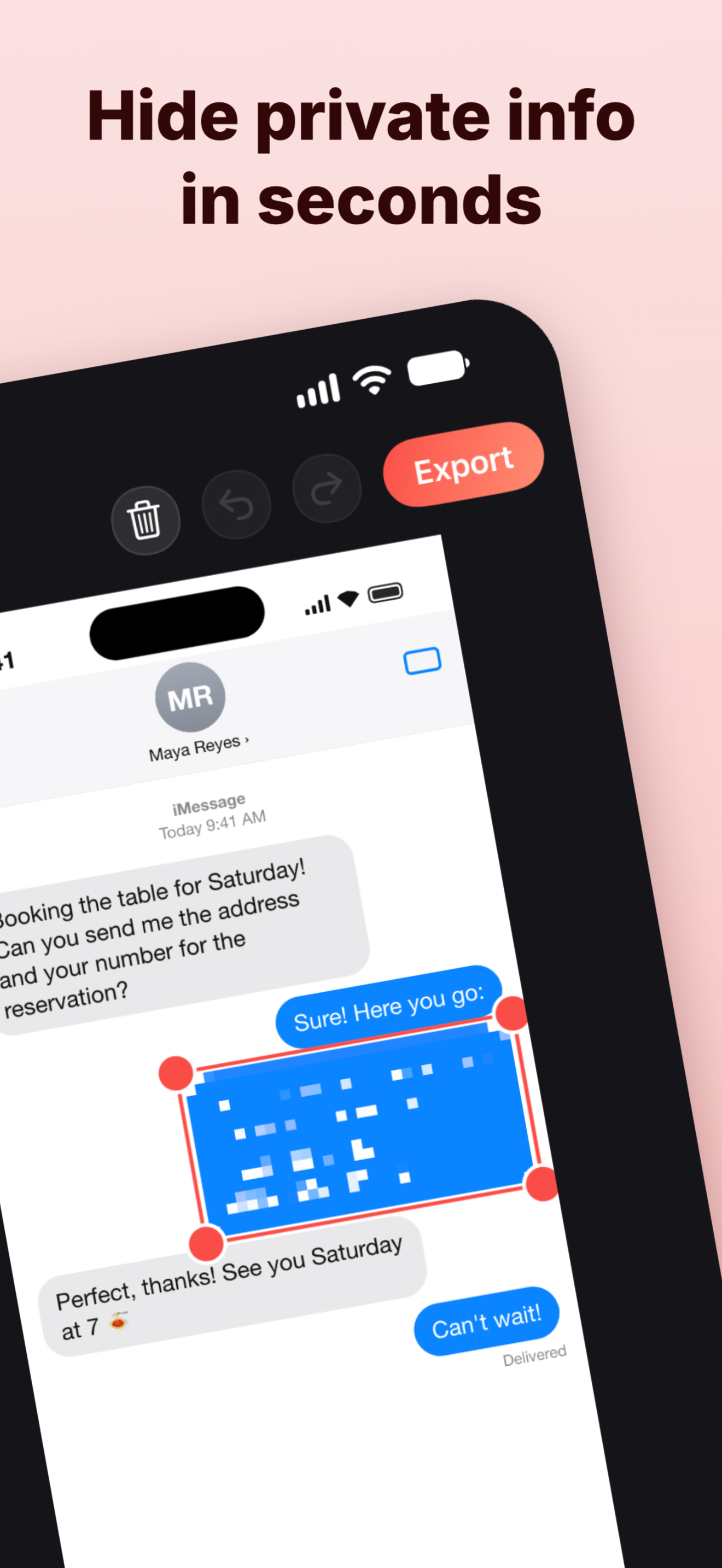
Blur & Redact Screenshots
Censor personal data, passwords, and confidential information with blur or pixelate effects before sharing.
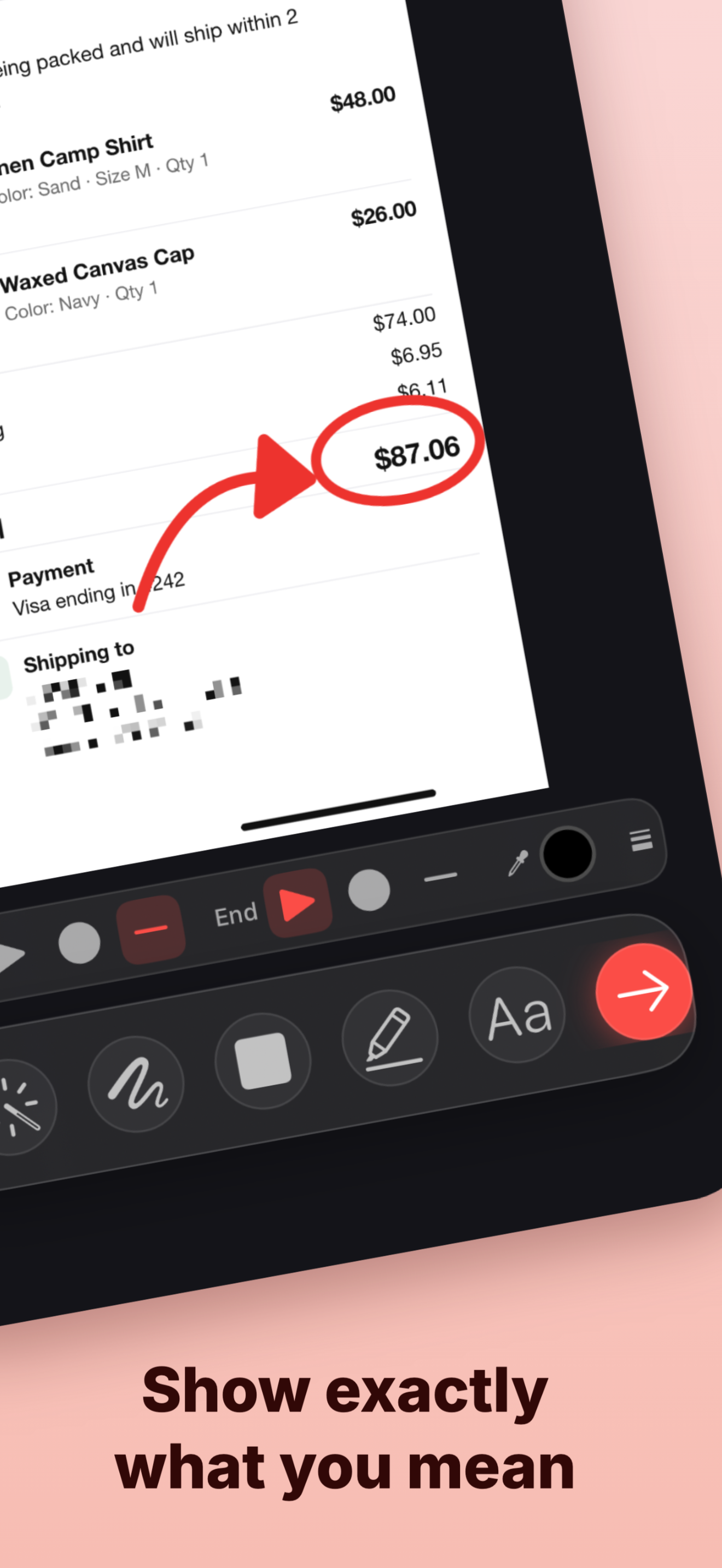
Add Arrows & Annotations
Draw attention with shapes, arrows, text labels, and highlighter strokes in vibrant colors.
100% Private & On-Device
Your screenshots never leave your device. No cloud uploads, no account required. Fast and secure.
Bill of materials
7 Screenshot Editing Tools
From blur and pixelate effects to arrows and text markup, pxMarkup has everything you need to annotate screenshots on iPhone.
- 1
ShapesFree
Rectangles, circles, stars, triangles, and lines with customizable fill and border.
- 2
Blur & PixelatePro
Hide sensitive information with blur or pixelate effects. Freehand mode for precision.
- 3
HighlighterPro
Draw attention with semi-transparent highlighter strokes in 5 vibrant colors.
- 4
TextPro
Add labels and callouts with customizable fonts, colors, outlines, and backgrounds.
- 5
ArrowsPro
Curved arrows with draggable control points. Customizable heads and stroke width.
- 6
FreehandPro
Draw freely with your finger or Apple Pencil. Adjustable brush size and colors.
- 7
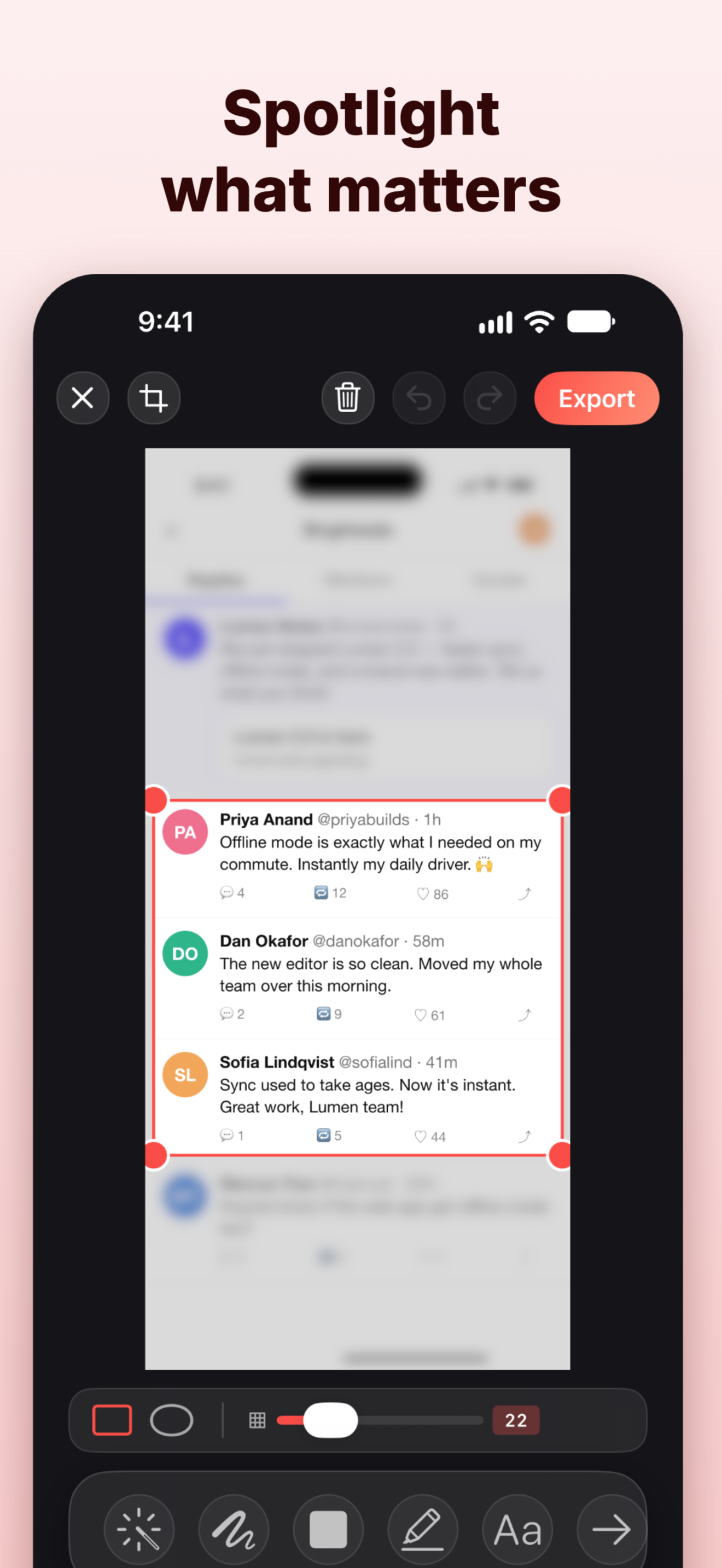
SpotlightPro
Blur everything except the selected area. Perfect for focusing attention.
- 8
Smart Export
Save, copy, or share instantly. PNG or JPEG with quality control.
Simple, fair pricing
Try all tools free. Upgrade to Pro for full export capabilities.
Free
$0forever
- Shape tool (all shapes)
- Try all Pro tools
- Recent edits saved
- Export with Pro tools (watermark)
Pro
$8.99USD
- All 7 annotation tools
- Blur & Pixelate effects
- Spotlight mode
- Export without watermark
- Future updates included
Download the best screenshot editor for iOS
Start blurring, annotating, and marking up screenshots in seconds. Free on the App Store with optional Pro upgrade.
free to try every tool